Check your inbox
Your account-access instructions arrive by email. New to Bizzoso? Use your account-access email to set your password. Check spam or promotions if needed.

Welcome to Kids Studio Pro
Thank you for your purchase. Sign in to your Bizzoso customer account to open Kids Studio Pro.
Start creating in three steps:
1. Check your purchase email
Look for your Bizzoso account-access email. Follow its sign-in instructions and use the same email you entered at checkout. Check spam or promotions if it is missing.
2. Open Kids Studio Pro
Use a desktop computer to open the Studio, explore the creation tools and access your included resources.
3. Create your first product
Customize a sample project, save a backup and export a test file. Need help? Email support@bizzoso.com with your purchase email and order reference.


Built with systeme.io
Terms | Privacy

Welcome to Kids Studio Pro. Your creation tools, 130 ready-made kids’ books and included resources are waiting inside.
Open Kids StudioSign in with the email you used at checkout.
For creating and exporting, use a desktop computer.
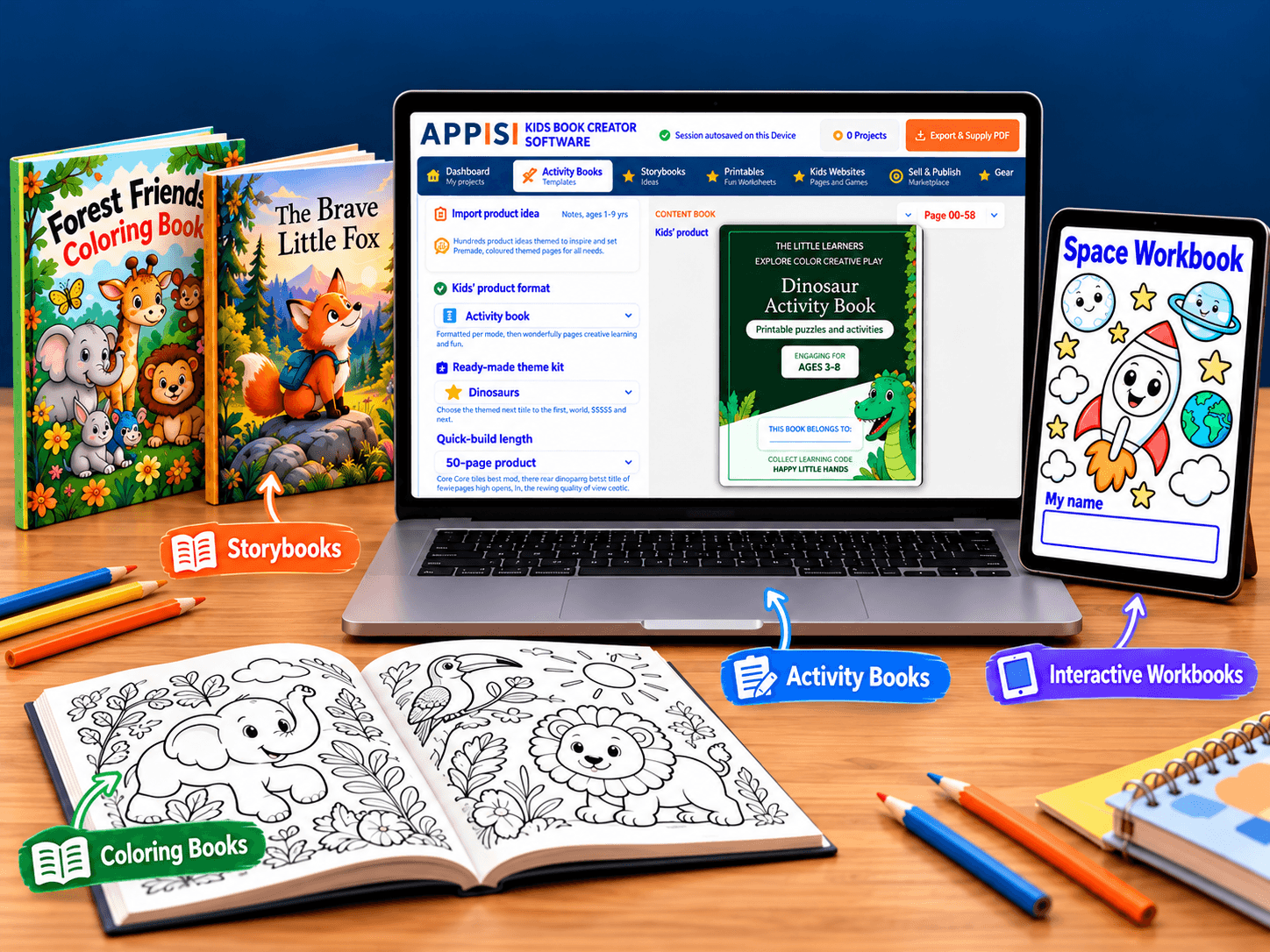
If you purchased the optional Library offer, your full collection is available separately from the Studio. Use the same email address you used at checkout and follow the Library access email if prompted to sign in.
Open Entire Kids LibraryLibrary access is included only when you purchase the optional Library offer.
Your account-access instructions arrive by email. New to Bizzoso? Use your account-access email to set your password. Check spam or promotions if needed.
Open the Studio above and sign in. Already have a Bizzoso account? Use your existing password.
Explore the tools or start with an included book. Your books and commercial-use license are available inside.
Need a hand getting started? support@bizzoso.com
Include the email address you used for your purchase.